Developer Utilities

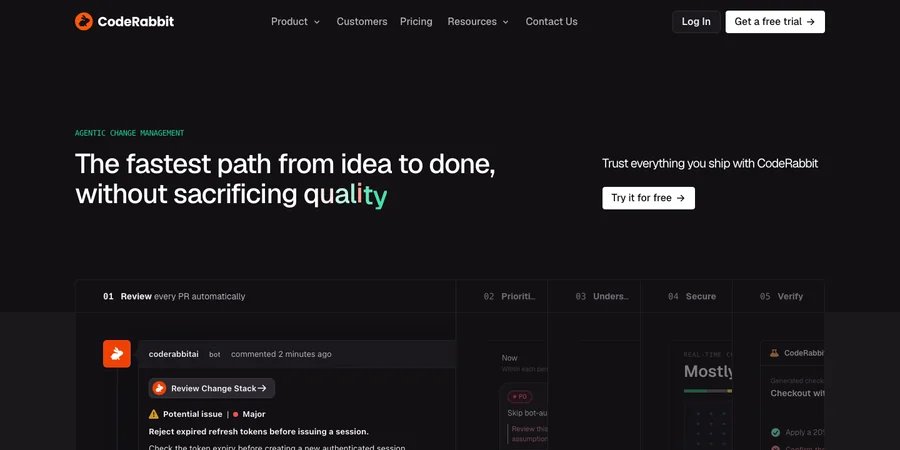
CodeRabbit
Review pull requests line by line, flag risky changes, and suggest fixes before a human review.
Pair with an AI in the terminal to edit files across a repo, run tests, and commit each change.
aider.chat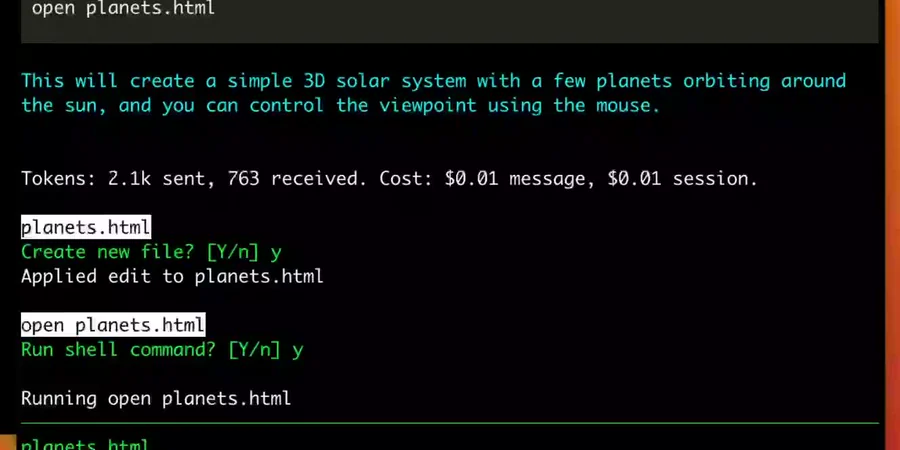
FOR MAKERS & TEAMS
Aider is hand-picked in Tool Dock’s specialist AI index (no generic chatbots or waitlists). Drop this lightweight SVG badge on your site or press page.

Aider (aider.chat) is a specialist developer utilities tool focused on terminal coding, repo edits, git commits. Pair with an AI in the terminal to edit files across a repo, run tests, and commit each change.
Aider fits the "Terminal AI pair programming" stage and is best suited for developers who live in the terminal and want git-aware multi-file edits with clean commit history. Practical tip: Keep tasks scoped to one feature or refactor per session and run your test suite after each edit.
Related specialist tools in Developer Utilities include CodeRabbit, Regex.ai, Better Analyst. You can also view our side-by-side Aider alternatives guide on Tool Dock.
Review pull requests line by line, flag risky changes, and suggest fixes before a human review.

Upload a spreadsheet or connect a database, ask questions in plain language, and get charts and reports.