
Tool DockNICHE AI INDEX

AI CATEGORY · 6 SPECIALIST TOOLS

AI tools for Developers

Focused engineering utilities rather than bloated all-in-one IDEs—covering automated PR reviews, git-aware terminal coding, AI E2E QA testing, structured web scraping, regex debugging, and quick spreadsheet analysis.

Developer Utilities

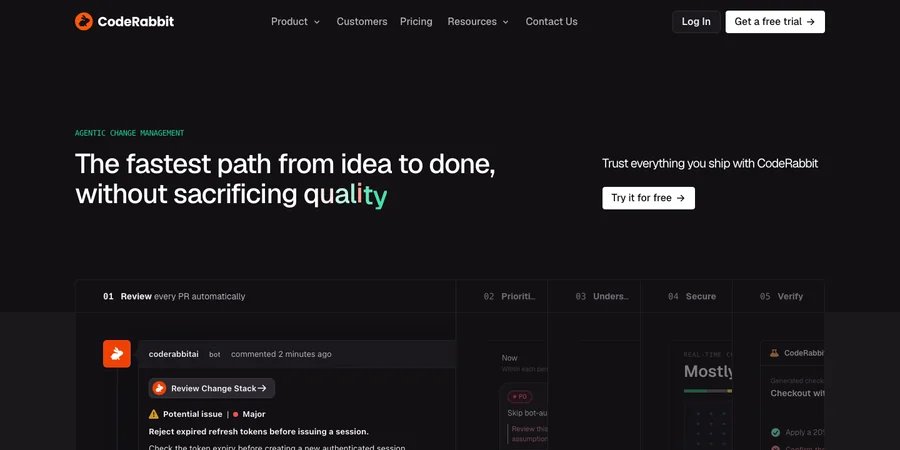
CodeRabbit

Review pull requests line by line, flag risky changes, and suggest fixes before a human review.
  • PR review
  • Code comments
Visit
Developer Utilities

Aider

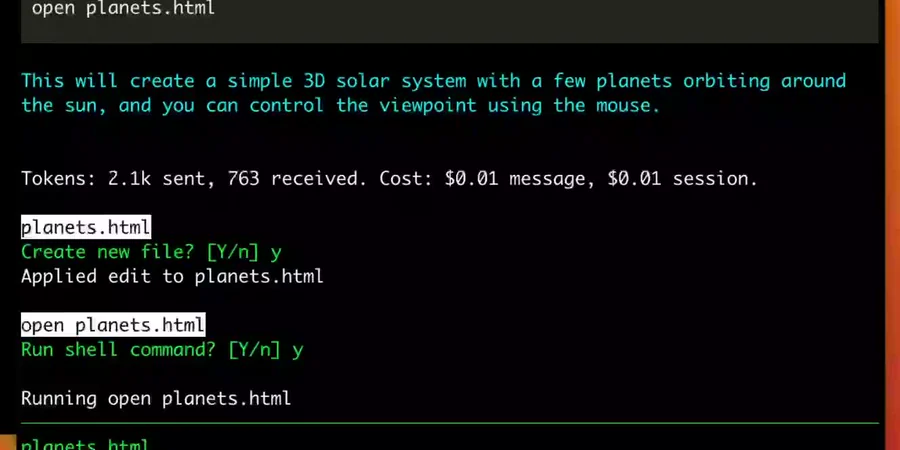
Pair with an AI in the terminal to edit files across a repo, run tests, and commit each change.

  • Terminal coding
  • Repo edits
Visit
Developer Utilities

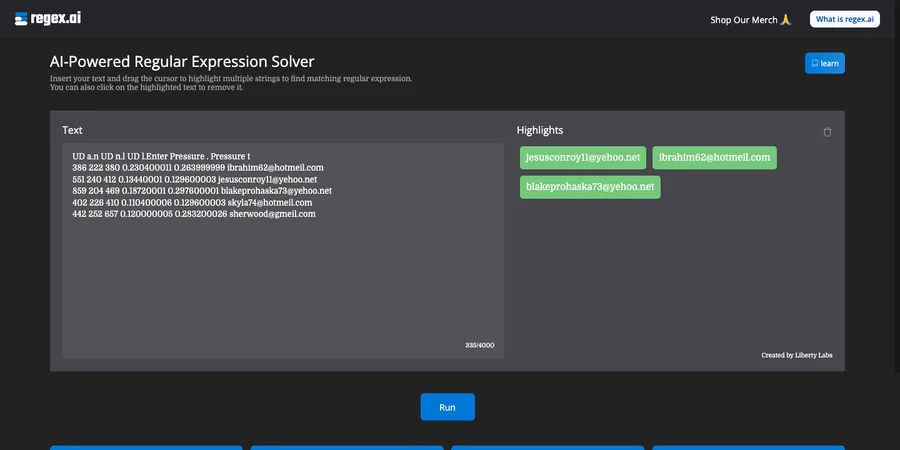
Regex.ai

Describe the pattern you need in plain English, highlight examples, and get an explained regex.

  • Regex builder
  • Pattern explanation
Visit
Developer Utilities

Better Analyst

Upload a spreadsheet or connect a database, ask questions in plain language, and get charts and reports.
  • Spreadsheet analysis
  • Charts
Visit
Developer Utilities

Momentic

Author end-to-end tests in plain English that locate UI elements visually and self-heal across web and mobile builds.

  • E2E testing
  • Self-healing QA
Visit
Developer Utilities

Firecrawl

Crawl dynamic websites into clean Markdown or schema-validated JSON built for RAG pipelines and agents.

  • Web scraping
  • Markdown extraction
Visit

Alternatives in Developer Utilities

How to combine specialist developer AI tools

Frequently asked questions

How are CodeRabbit and Aider different?

Aider is a terminal coding assistant that edits files directly in your local git repository, whereas CodeRabbit reviews open pull requests on GitHub/GitLab with line-by-line summaries and bug checks.

Do I need to install anything for Tool Dock’s developer text tools?

No. Our built-in JSON formatter, Base64 tool, URL encoder, and timestamp converter run 100% locally in your browser without sending payloads to any server.


Helpful browser utilities

Explore other AI categories