

Topaz Video
Upscale old footage, reduce noise, and restore detail frame by frame for archival or delivery.
topazlabs.com
Common uses
Workflow overview
- Workflow stage
- Video upscaling & restoration
- Best suited for
- Editors restoring archival footage, upscaling lower-res clips, or smoothing motion locally on GPU.
- Practical tip
- Render a short 5-second test segment first to compare models and avoid over-sharpened skin textures.
FOR MAKERS & TEAMS
Building Topaz Video? Share your listing badge
Topaz Video is hand-picked in Tool Dock’s specialist AI index (no generic chatbots or waitlists). Drop this lightweight SVG badge on your site or press page.

Frequently asked questions
What is Topaz Video best used for?
Topaz Video (topazlabs.com) is a specialist video post tool focused on video upscaling, restoration, noise reduction. Upscale old footage, reduce noise, and restore detail frame by frame for archival or delivery.
Who should use Topaz Video and at what workflow stage?
Topaz Video fits the "Video upscaling & restoration" stage and is best suited for editors restoring archival footage, upscaling lower-res clips, or smoothing motion locally on GPU. Practical tip: Render a short 5-second test segment first to compare models and avoid over-sharpened skin textures.
What are good alternatives to Topaz Video?
Related specialist tools in Video Post include Submagic, Rask AI, Neat Video.
Related tools in Video Post
All Video Post tools

Video Post

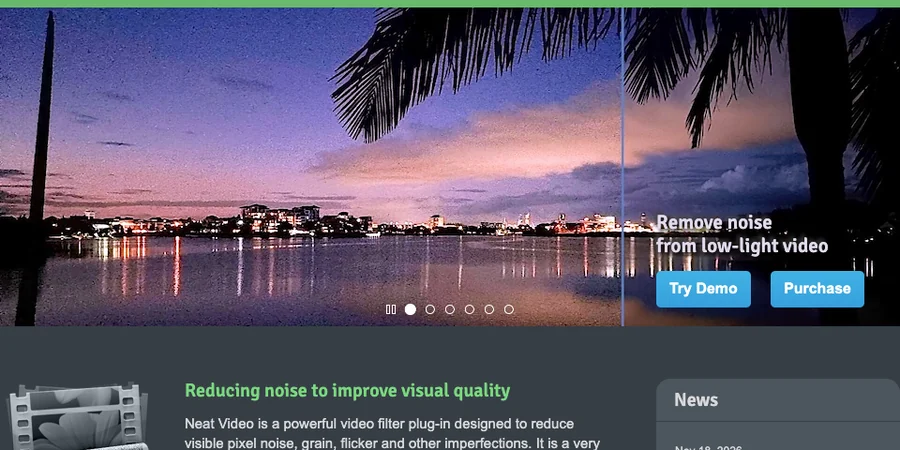
Neat Video
Remove sensor noise and grain from footage with a profile tuned to your camera and ISO.